To reset your Playlist password:
1. Log in using your Institution Member account or Sub domain
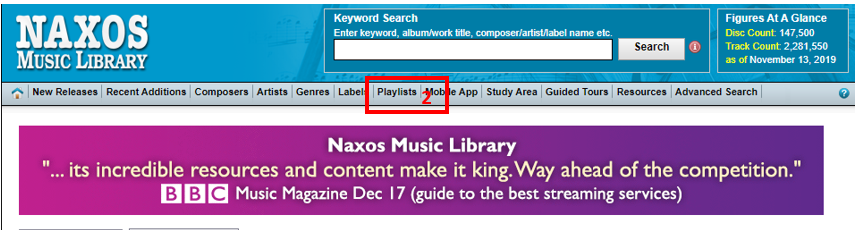
2. Once logged in click on the Playlist Tab
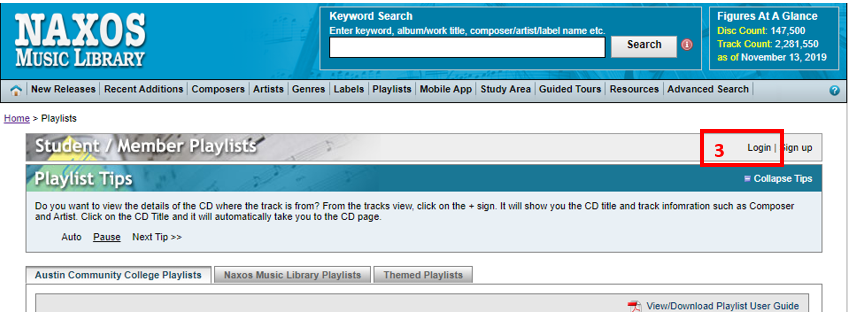
3. Click "Log in"
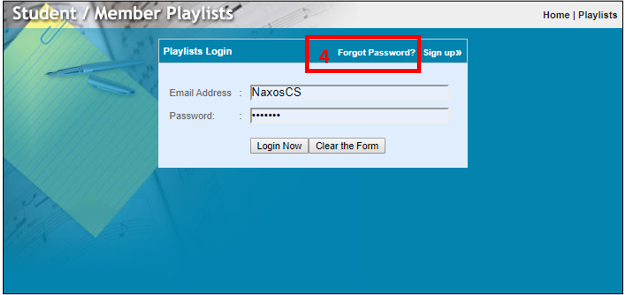
4. Click "Forgot Password"
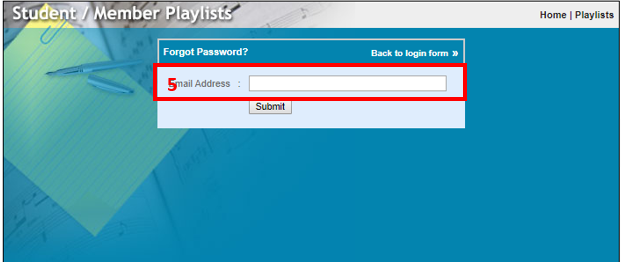
5. Enter the email address that you used for your Playlist account.
0 Comments