The Naxos Video Library (NVL) homepage consists of the following items:
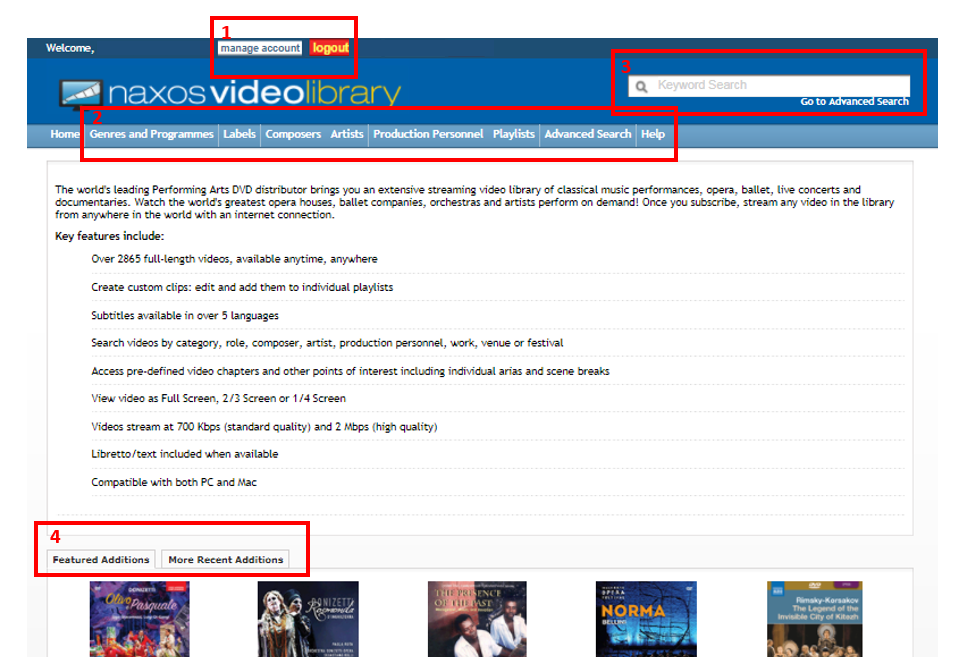
1. Manage Account and Logout buttons
- Manage Account - is where you can customize and update to your user-desired settings; this is available for Account Administrator only
- Logout button - used to sign out from the service
2. Menu options
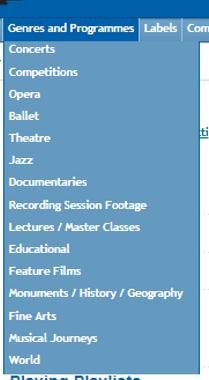
- Genres and Programmes - This is where various video categories and type of performances are found
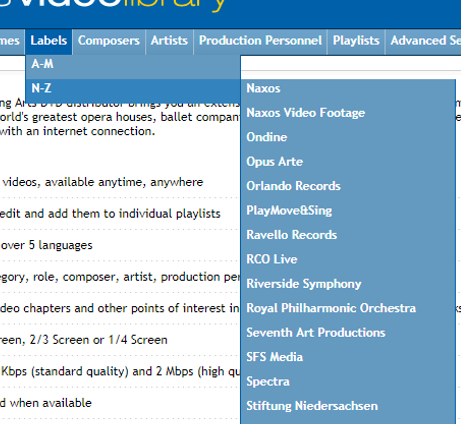
- Labels - selecting this section displays the available labels on NVL, with two sets of alphabetically-arranged groups; a list of Naxos-owned labels and other third party labels.
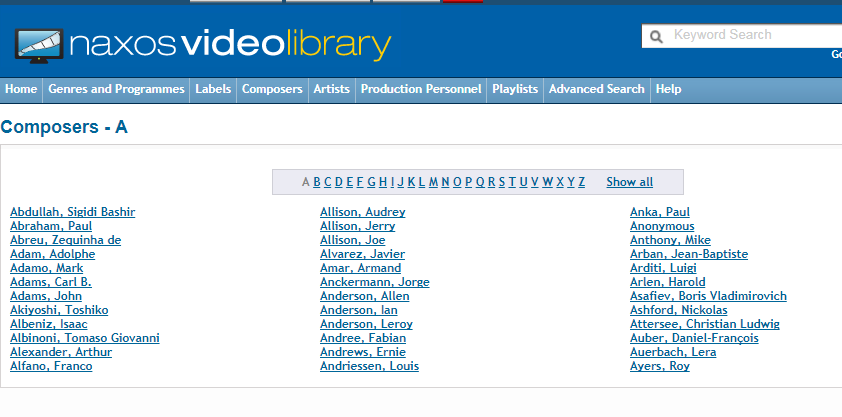
- Composers - clicking this option displays an entire page dedicated to all composers found on Naxos Video Library, arranged alphabetically.
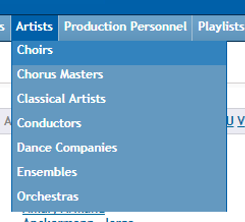
- Artists - this link displays a drop-down list of artists categorized in groups.
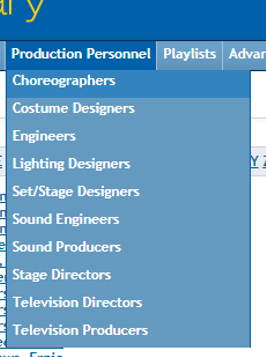
- Production Personnel- grouped according to their specializations
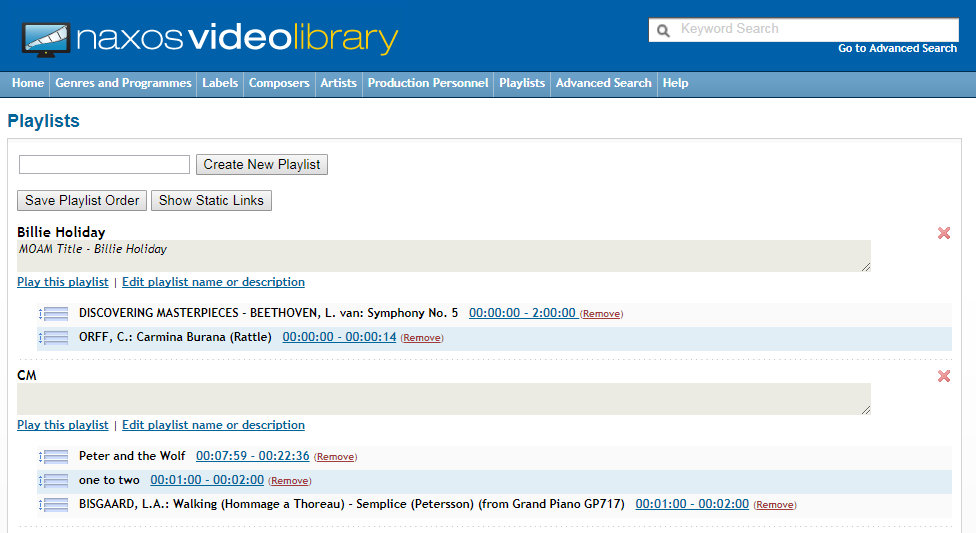
- Playlist- this section displays all the playlists users can create using their streaming subscription. For more details on how to create and manage playlists, please visit this article.
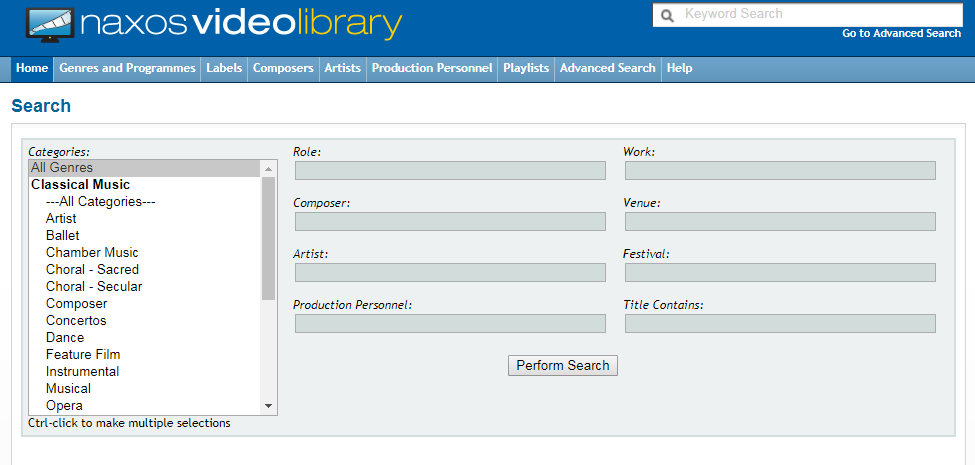
- Advanced Search - this page creates ways on how to specifically narrow down searches based on given criteria.
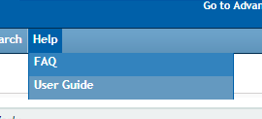
- Lastly, the Help section displays the current FAQ and User Guide for the service.
3. Keyword Search (KWS) section - part of the site where you can easily do quick-search; Google-powered Boolean search of NVL that appears at the top of every screen
4. Featured Additions and Recent Additions tabs
- Featured Additions - are a selection of videos recently added and is updated weekly.
- Recent Additions – are previously added featured additions. You can view the previous featured additions up to the last preceding month. You can use the drop down arrow to view the previous featured albums.
0 Comments