Download an album or track for offline listening
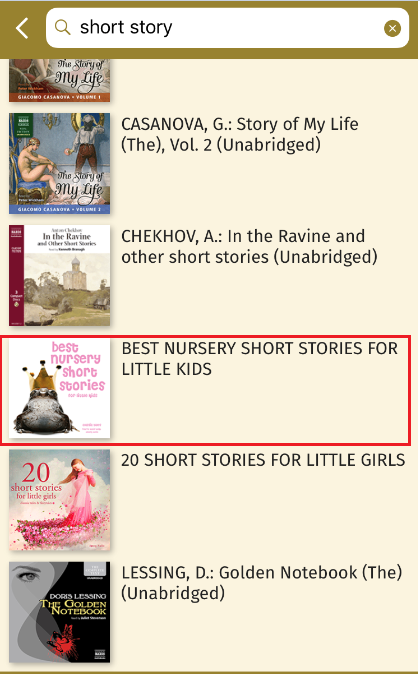
1. Choose an album you want to download
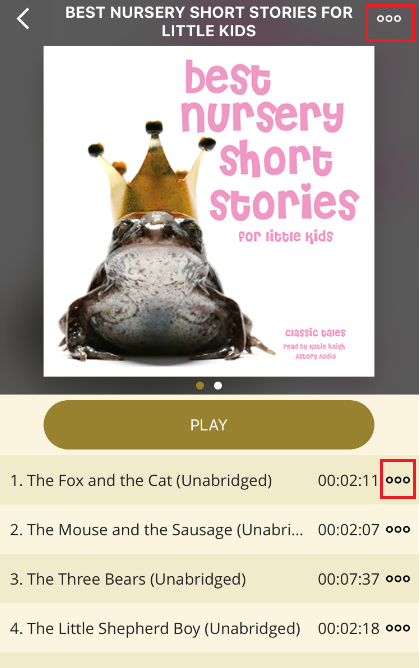
2. Click the Ellipsis (denoted by three dots) on the top part of the album page or beside the track
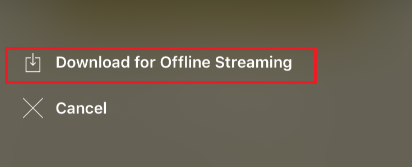
3. Select Download for Offline Streaming
Delete offline download
1. Click on Library

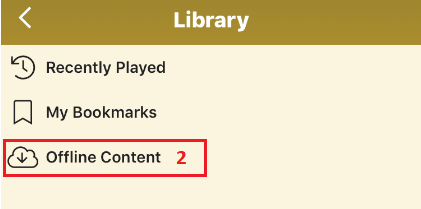
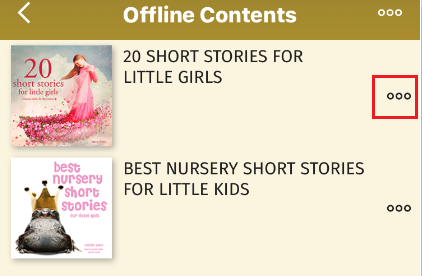
2. Select Offline Content
3. Click the Ellipsis (denoted by three dots) beside the album you want to delete from your offline content
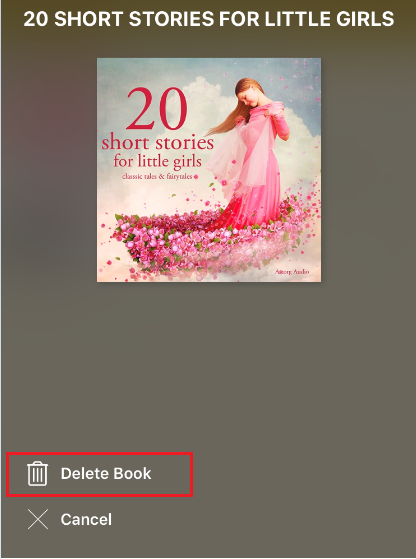
4. Select Delete Book
0 Comments