This is where you can view the statistics summary by month, year, day and hours.
1. Go to http://www.naxosmusiclibrary.com
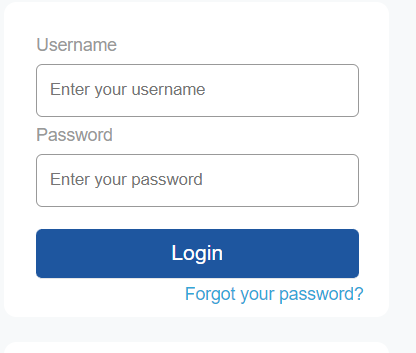
2. Login using the Administrator and Librarian username and password.
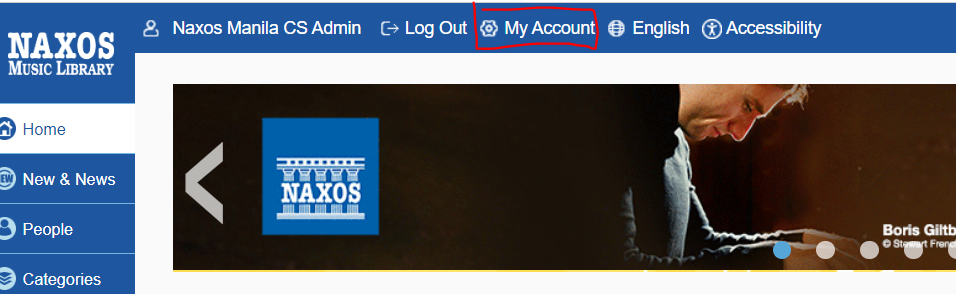
3. Click on 'Manage Account' on the upper left portion of the page.
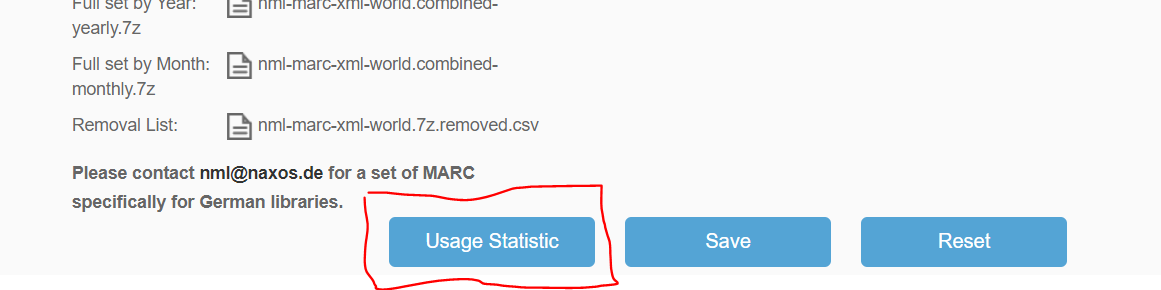
4. A a new tab will open. Scroll down and click on 'Usage Statistics.'
5. Select your preferred duration by adjusting the 'Start Date' and 'End Date' and click on 'Submit.'

NOTE: If your institution has active subscriptions to the rest of our sister sites, like Naxos Music Library Jazz, Naxos Spoken Word Library, or Naxos Music Library World, you may generate their logs here by clicking the specific product tabs as shown in the screengrab above.
6. Click on 'Export to Excel' if you wish to export the statistics summary on Excel format.  Generating Daily Statistics
- Click the 'calendar icon' on the lowermost part of the page.
- Click on 'Export to Excel' to export the file in Excel format.

Generating Hourly Statistics
- Click on the 'clock icon.'

- You will be directed to the 'Hourly Statistics' page. Click on 'Export to Excel' to export the file in Excel format.

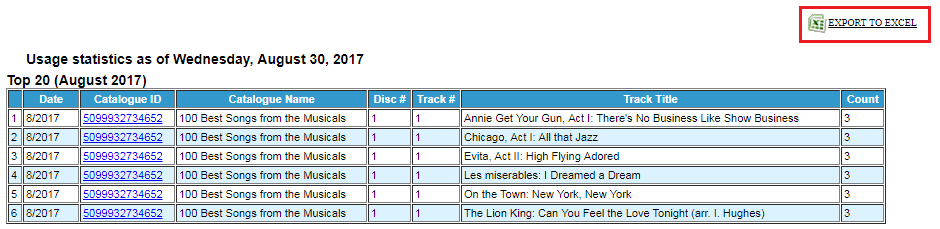
Generating the Top 20 tracks
- Click the 'musical note icon.'
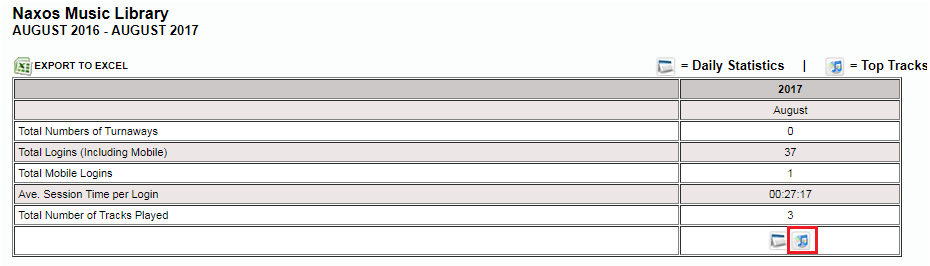
- You will be directed to the 'Top 20 tracks' page. Click on 'Export to Excel' to export the file in Excel format.
0 Comments