Log in
1. Go to https://www.NaxosMusicLibrary.com
2. Look for the 'Subscriber Login' on the right portion of the screen and enter your Username and Password on the space provided:
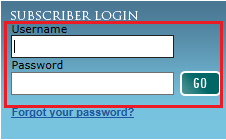
NOTE: Your username is the email address you used during registration.
Username and Password Inquiry
Should you need your username and password for your Naxos Music Library subscription, please send an email to customer.service@naxos.com with the following details:
- Email address you used to subscribe
- First and last name of the registered subscriber
- Identify if you are an Individual subscriber or under an institutional account
Password Update
In order to change your password, kindly follow the steps below:
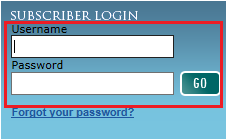
1. Go to https://www.NaxosMusicLibrary.com and enter your email address and current password:
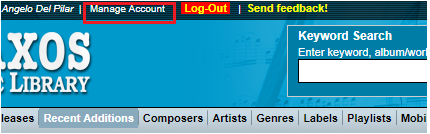
2. Go to 'Manage Account', located on the upper left part of the page.
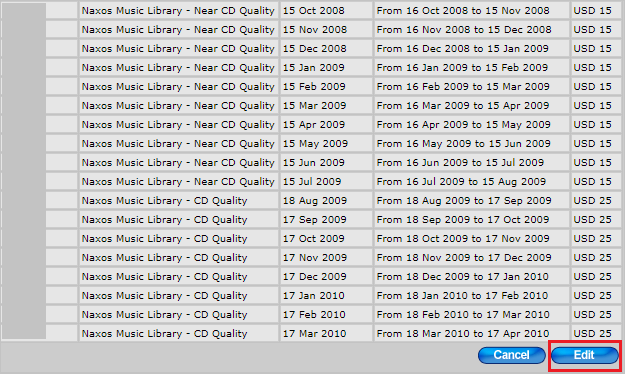
3. A pop up window will appear. Scroll down and click on the 'Edit' button:
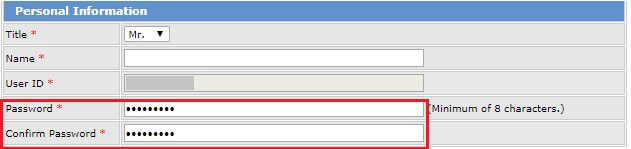
4. Enter your new password on the 'Password' and 'Confirm Password' field:
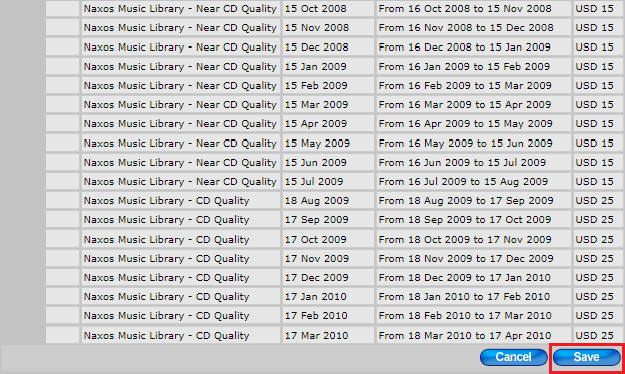
5. Scroll down and click on 'Save'.
Request to Change Email Address or User ID
Please note that you cannot alter your registered email address and user ID on-site. Should you need to update it, kindly send us an email at customer.service@naxos.com.
0 Comments